Matt Johnson 12/15/25
for CIS 1410 Web Site Design
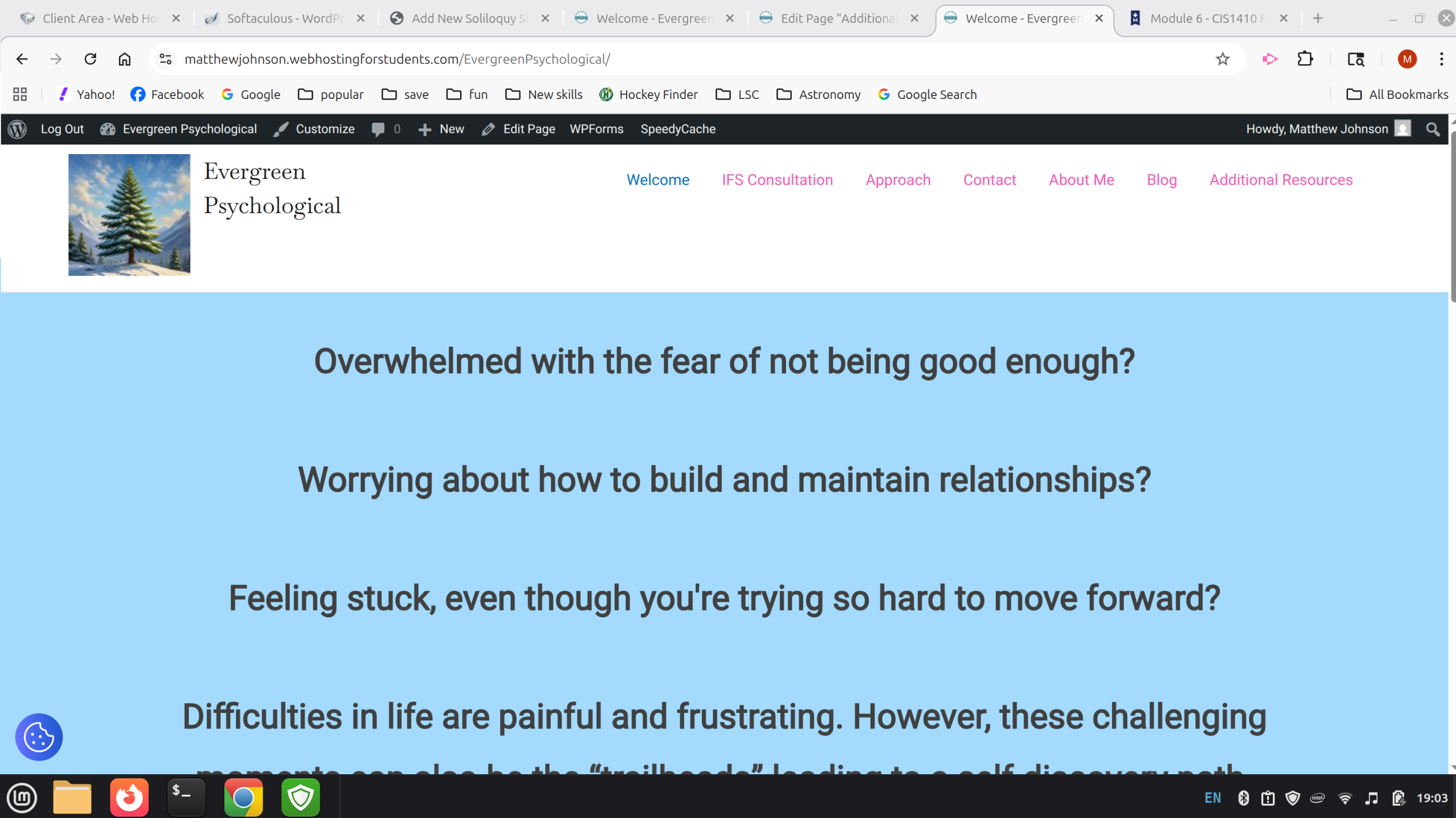
This project is a website that a therapist might use. I made this specifically for my mom, as it is something she has asked about as I have been taking classes.
The site map includes
The main page titled Welcome
https://matthewjohnson.webhostingforstudents.com/EvergreenPsychological/
This page has some of the big ideas that a potential client would hopefully connect to and continue looking around
A page titled Services
https://matthewjohnson.webhostingforstudents.com/EvergreenPsychological/services/
This is primarly for other IFS therapists that would like to have a consultation to help them with there own work. There is a brief overview, a little about why it would be helpful to them as well as information about costs.
A page titled Approach
https://matthewjohnson.webhostingforstudents.com/EvergreenPsychological/approch/
This is geared more towards potential clients. There is information about what IFS is and what a good potential client for my mom would be looking for.
A page titled Contact
https://matthewjohnson.webhostingforstudents.com/EvergreenPsychological/contact/
This page has some info on how to contact. There is a phone number and email. Plus a Contact Me button that opens up a landing page with a form for them to fill out.
https://matthewjohnson.webhostingforstudents.com/EvergreenPsychological/contact_form/
There is an about me page that give more detail on who my mom is and her credentials.
I also included a slider with some more candid pictures and a video. Unfortunately the video size was too large and would not upload to my media folder. I tried a smaller file but it doesnt seem to be working correctly.
https://matthewjohnson.webhostingforstudents.com/EvergreenPsychological/about-me/
The blog page is there for any thoughts or ideas that my mom might want to post.
https://matthewjohnson.webhostingforstudents.com/EvergreenPsychological/blog
Lastly there is a additional resources page with some recommended reading. Several of the books have links to where you can buy them.
https://matthewjohnson.webhostingforstudents.com/EvergreenPsychological/additional-resources/
Themes and plugins
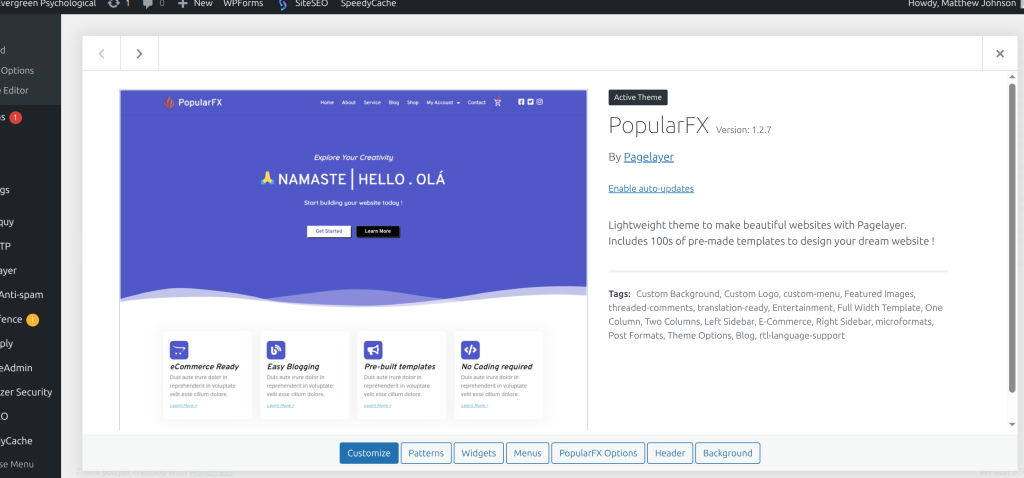
For my theme, I used PopularFX. It was one that I used during class and was somewhat familiar with.
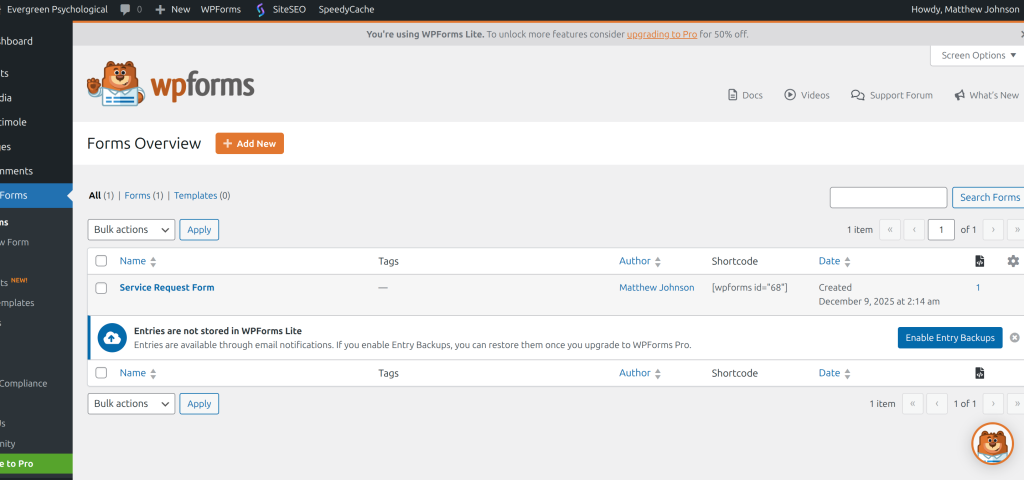
I used WPForms to make the contact form
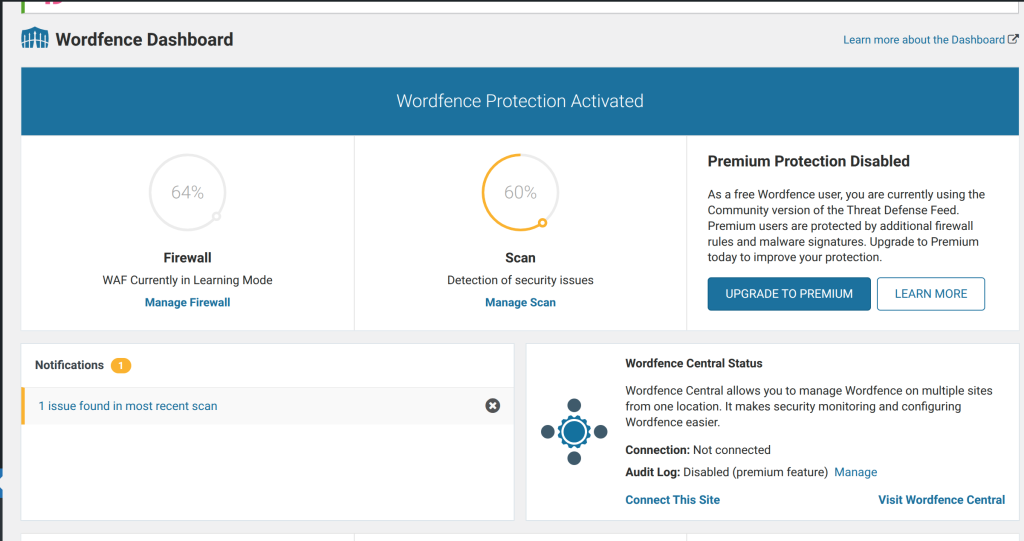
Word fence was already installed.
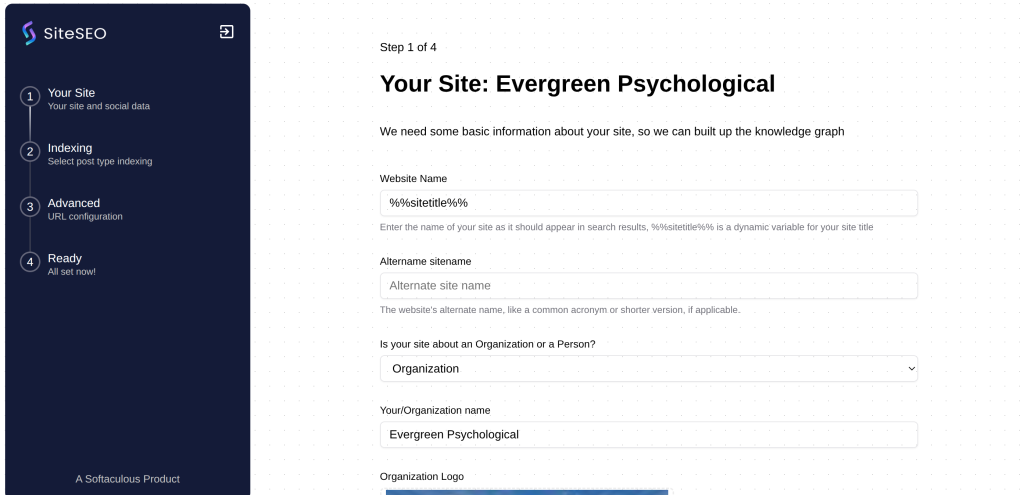
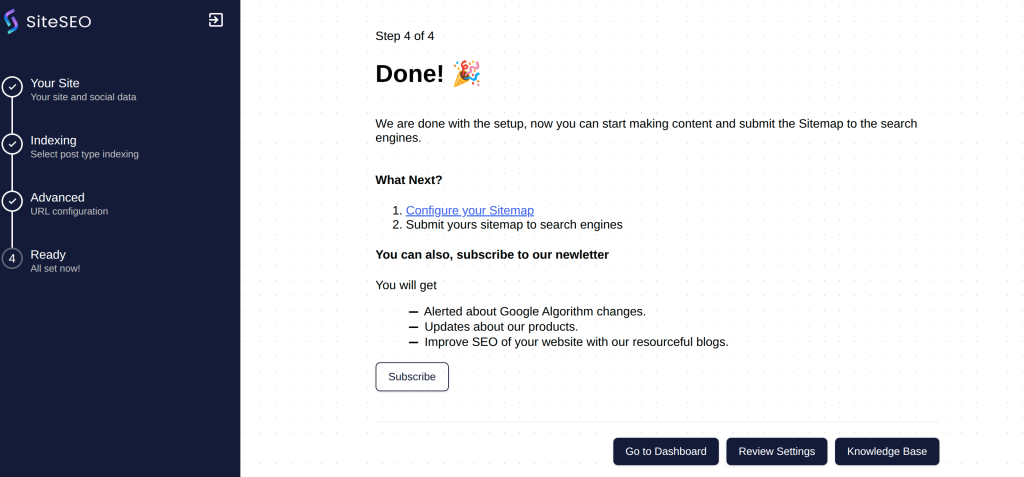
SiteSEO was also already installed.
requirements
- 6-10 pages: I have 8 total pages
- hosted in sub-directory : matthewjohnson.webhostingforstudents.com/EvergreenPsychological/
- Demonstrate use of themes and plugins: See above for evidence.
- Create a layout design that is professional and eye catching: See links above for evidence
- Use different fonts and text colors
- The paragraphs use Baskervvile
- Headings use Roboto
- Most text is in black. I have text links a purple/pink and blue or green selected or hovered. The Green in primarily in the footer
- design site navigation
- I have a menu that will colapse when viewed on a smaller screen.
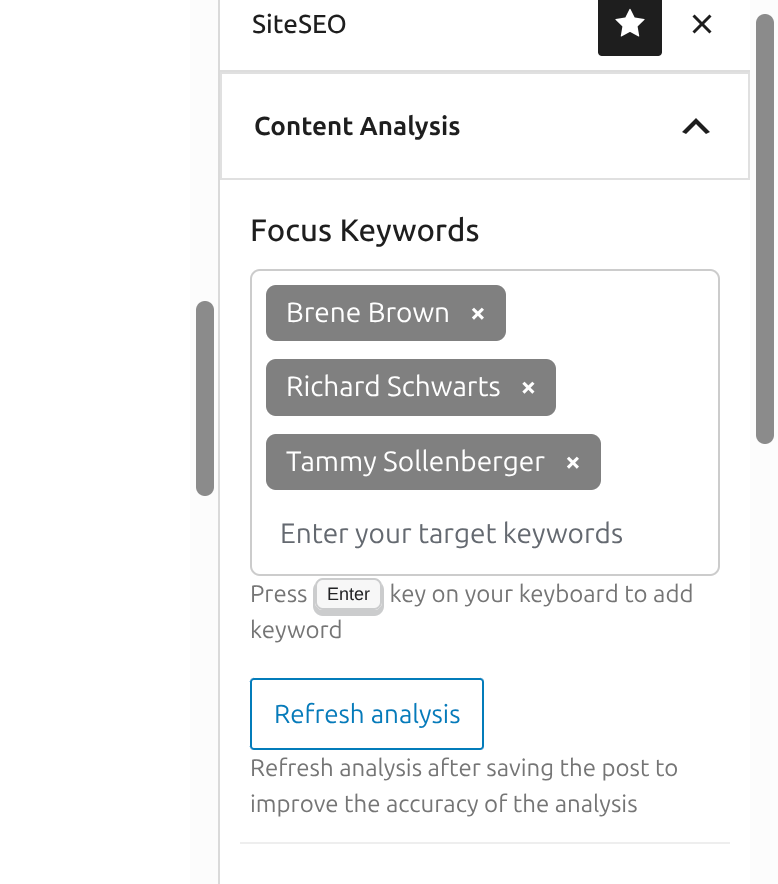
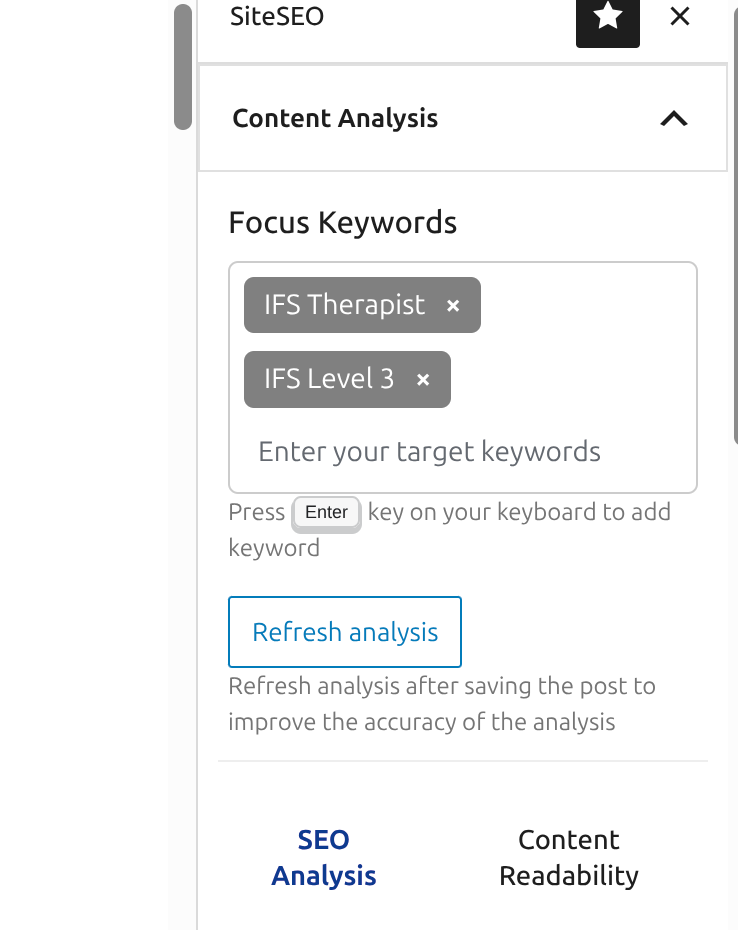
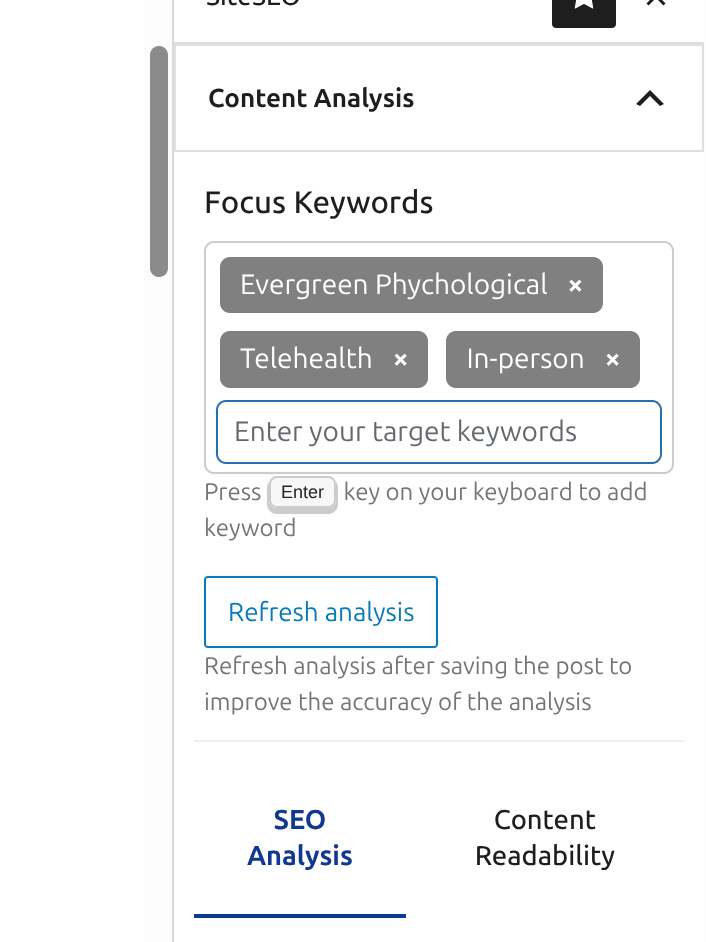
- Each page needs appropriate title, keywords and descriptor
- The SiteSEO allowed me to add keywords to each page. Titles and descriptions can be found above.
- Each page must have a title header and footer. See links above for evidence.
- Create a page that users can post comments: The blog post page has this ability
- Add instuctor as user to website: you should have received a link.
Select Instructor AccountInstructor Account
Edit | Delete | View | Send password reset
Anup Parajuli
anup.parajuli@lsc.edu
Author
0
Not Allowed
- 5-10 related links. The additional resources page has these.
- Use 3 levels of headings: The about me uses 3 different headings sizes
- Use one bulleted and one ordered list. The approach page has these
- Use SUCCESS and chunking. I think I did well with this. Much of the text is what my mom had put together so I have to try breaking it up and adding some images here and there.
- Use images, sounds and mulitmedia
- The about me page had images in a slider and a video with audio, although the video is not working. The original video is to large and my attempts to make it smaller didn't give me a working video.
- The evergreen tree is a AI generated picture I had made
- The IFS certified badges are images I got from my mom that she received after her training.
- in the approach page, the silhouette with words around the person and the star picture are from Pixabay
- All others I took, made or received from my mom
- Address web accessibility
- The images should all have alt text.
- I also had to adjust my color scheme to pass the accessibility tests I used.
- Use SEO Tooles
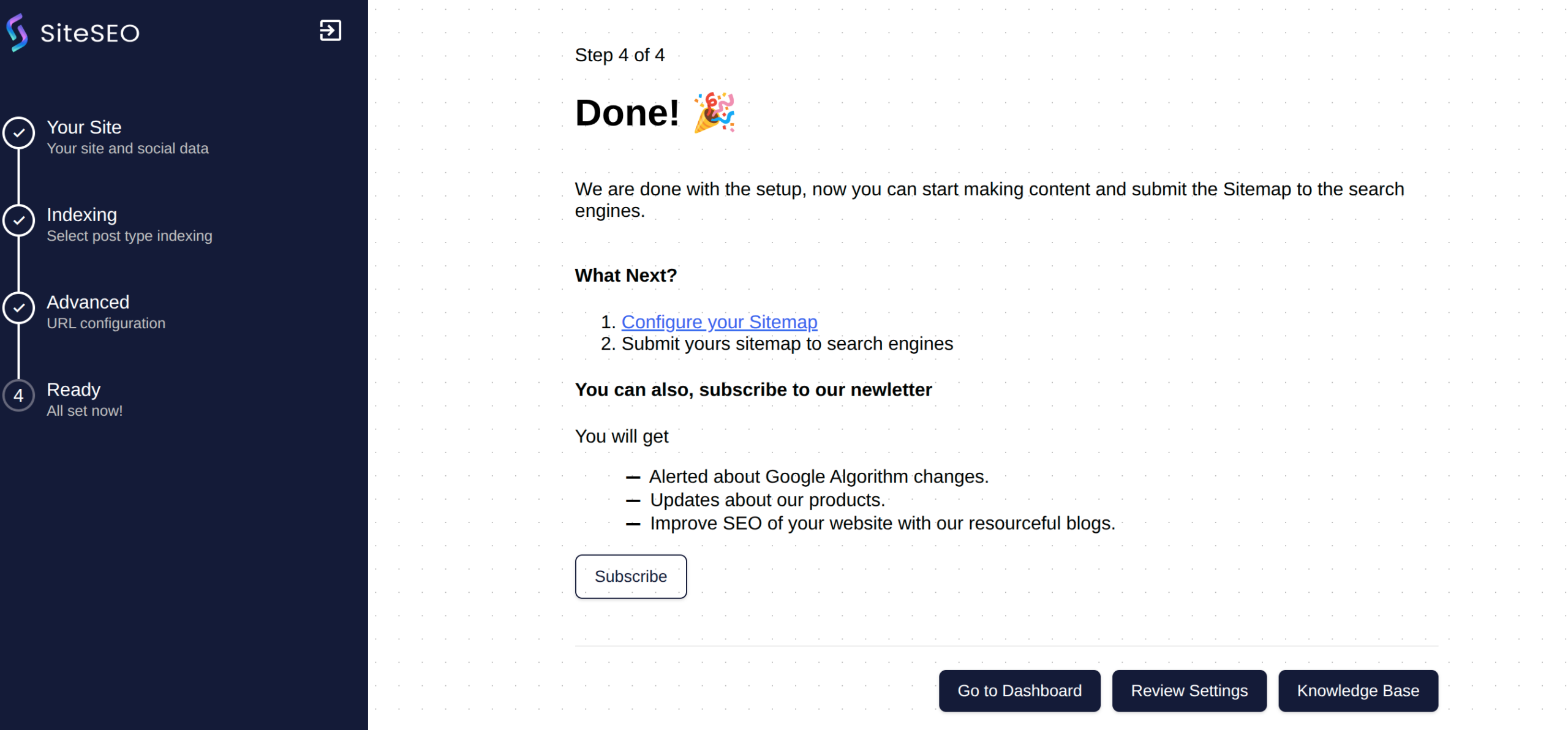
- I uses the default SiteSEO plugin
- Site must be responsive.
- below is a slider with my screen shots
- I checked with chrome, firefox and used the dev tools to check the break points.
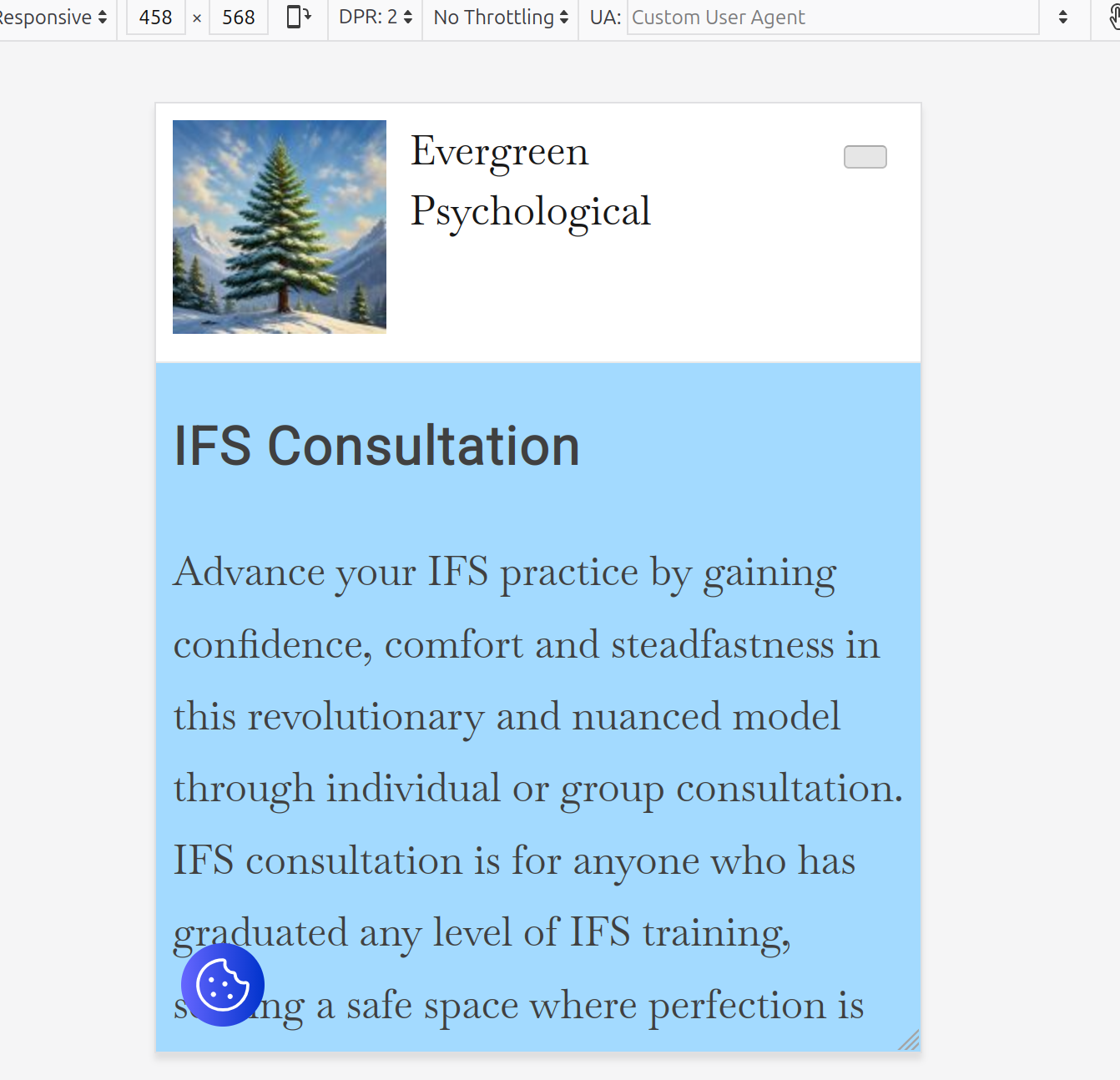
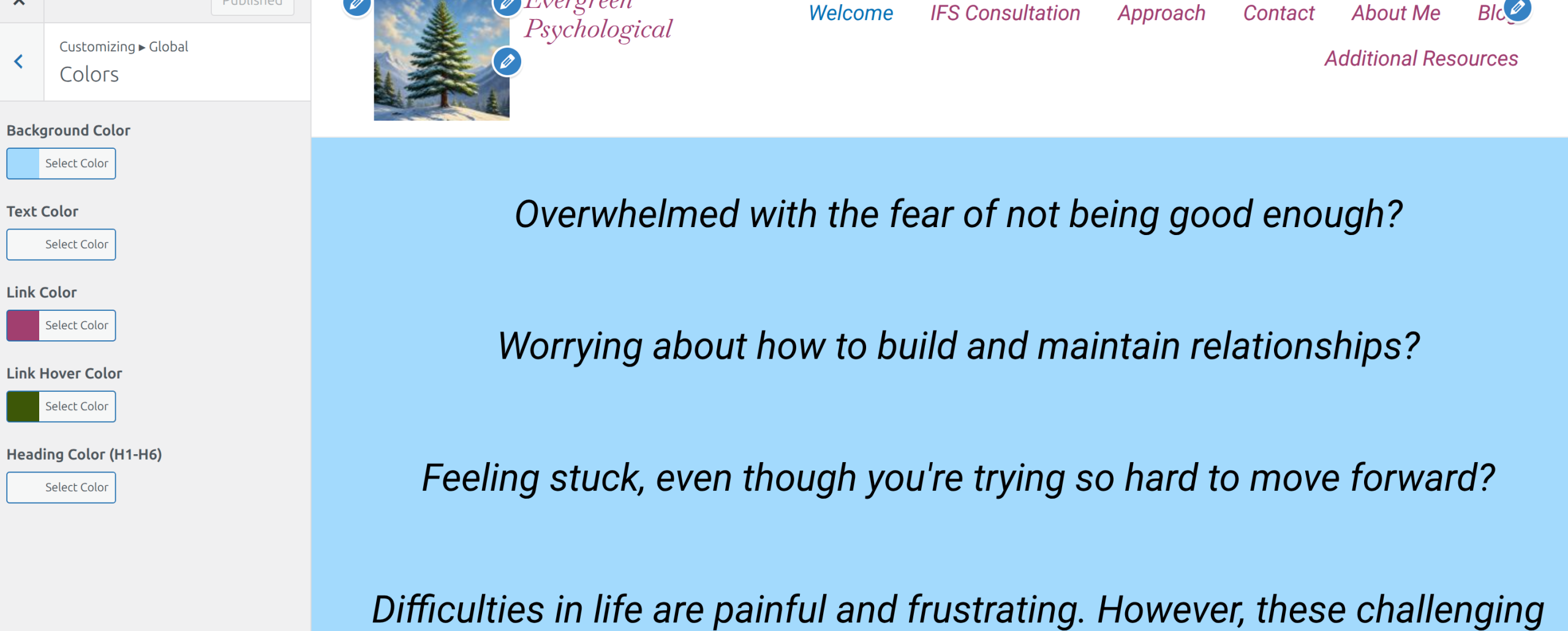
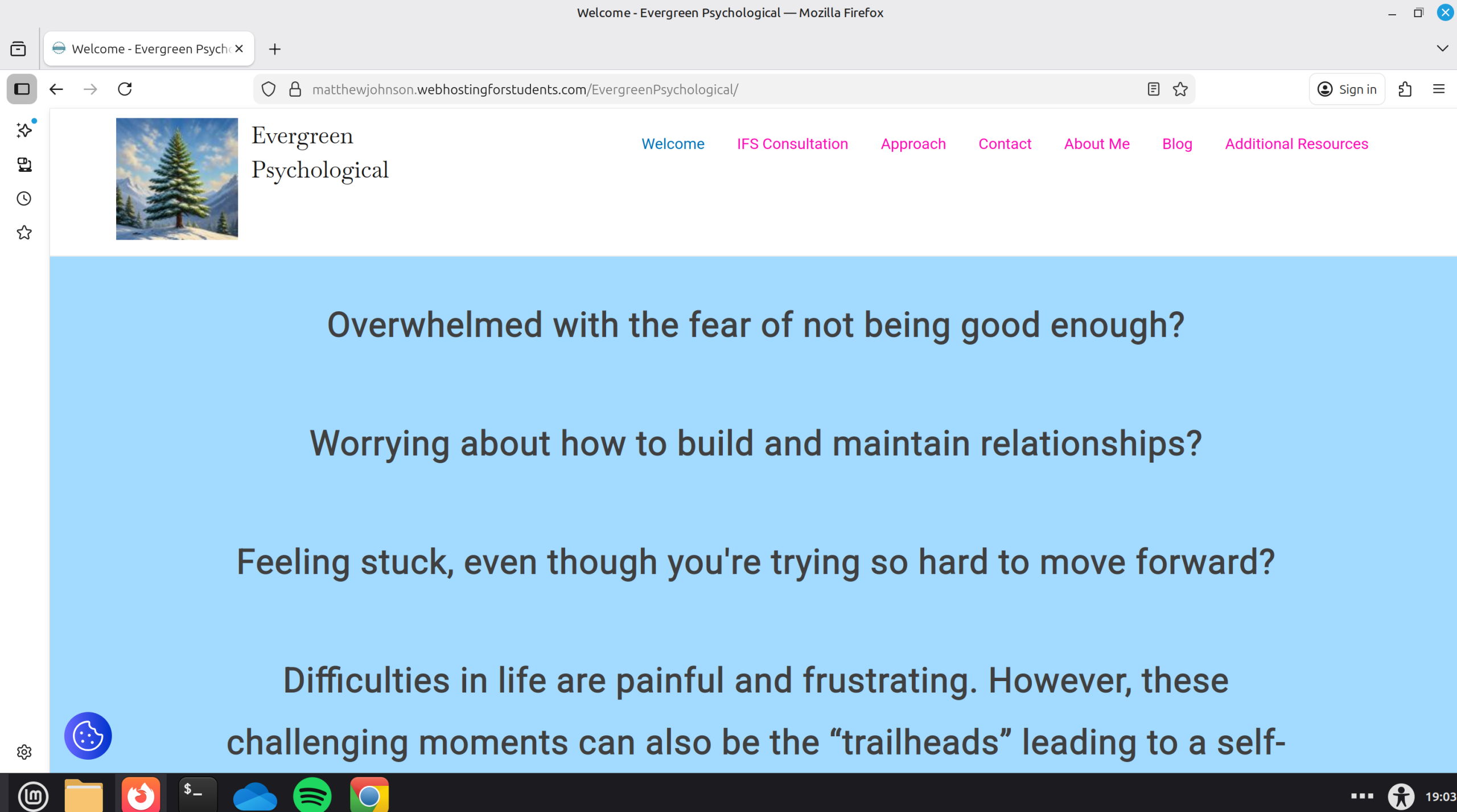
- Create a webpage of all the screenshots and use at least one image slider.
- This is the page.
My reflection on the project.
The few times I have built a website, I never feel like I accomplished everything I wanted to. Part of that is the "work in progress" asspect of a website. It's never really done. I usually run into a road block or two that I just have to accept isnt going to work like I wanted. The video is a prime example of this. I have the video, I just cant get the thing into my website. I tried using youtube but that wasn't embedding either, just leaving a link to follow.
Some things that I like are the ease of setting a lot of the basic stuff up. Building a page goes super fast compared to writing it all in HTML/CSS/JS. One thing I didn't really like is that I trade speed for control. While it is easy to set up the global typography, if I want to tweak something it isn't as straight forward. Some of the blocks are not the size I would like them to be, either too big or two small but any adjustments would be too large of a step for what I wanted.